Today we have been learning to construct media. This is Mihi, Sadie and TA's creation advertising our school fireworks.
Showing posts with label Cybersmart. Show all posts
Showing posts with label Cybersmart. Show all posts
Monday, 9 November 2020

Monday, 24 August 2020
Bulding Blog Comments
We have been learning to write good comments on blogs.
We used a fridge to help us!

We had three parts to our comment. The first part was a greeting, then we said what we loved about the post and then we asked a question.
Do you know what you put at the end of a question?
Thursday, 7 May 2020
Tips for Commenting on our blog
Hey Team Rima and anyone else reading this blog!
I noticed that some of you are leaving comments which is super awesome. But some of you haven't put your names, so we don't know who is leaving the comments😢
I've made a little video for you to show you how to include your name in the comments you leave on blogs.
I've made a little video for you to show you how to include your name in the comments you leave on blogs.
Can't wait to see more comments from you all!
From Whaea Vicki
Monday, 2 March 2020
All about us!
We are the awesome learners in Team Rima. In our class we think 'Everything is awesome when your part of a team!'
Monday, 24 February 2020
Monday, 17 February 2020
Using Google Drawings
Today in Team Rima, we were learning to use Google Drawing. We put our name in our drawing and a picture of our favourite animal. We learned how to change the colour of the writing, how to change the font and how to change the size of our writing.
We also learned how to find an image of our favourite animal. It was a little bit tricky changing the size of our images.
We can use backspace to delete things, or we can use CTRL Z to undo if we make a mistake.
And we learned how to use the x to close our tabs when we are finished.
We also learned how to find an image of our favourite animal. It was a little bit tricky changing the size of our images.
We can use backspace to delete things, or we can use CTRL Z to undo if we make a mistake.
And we learned how to use the x to close our tabs when we are finished.
 |
| Here we are working hard |
Monday, 10 February 2020
Our first day with our Chromebooks
This morning we had Vicki in our class. She will be working with us all year, helping us and Whaea Kirstin. We will be learning about being Cybersmart, and learning, creating and sharing along the way!
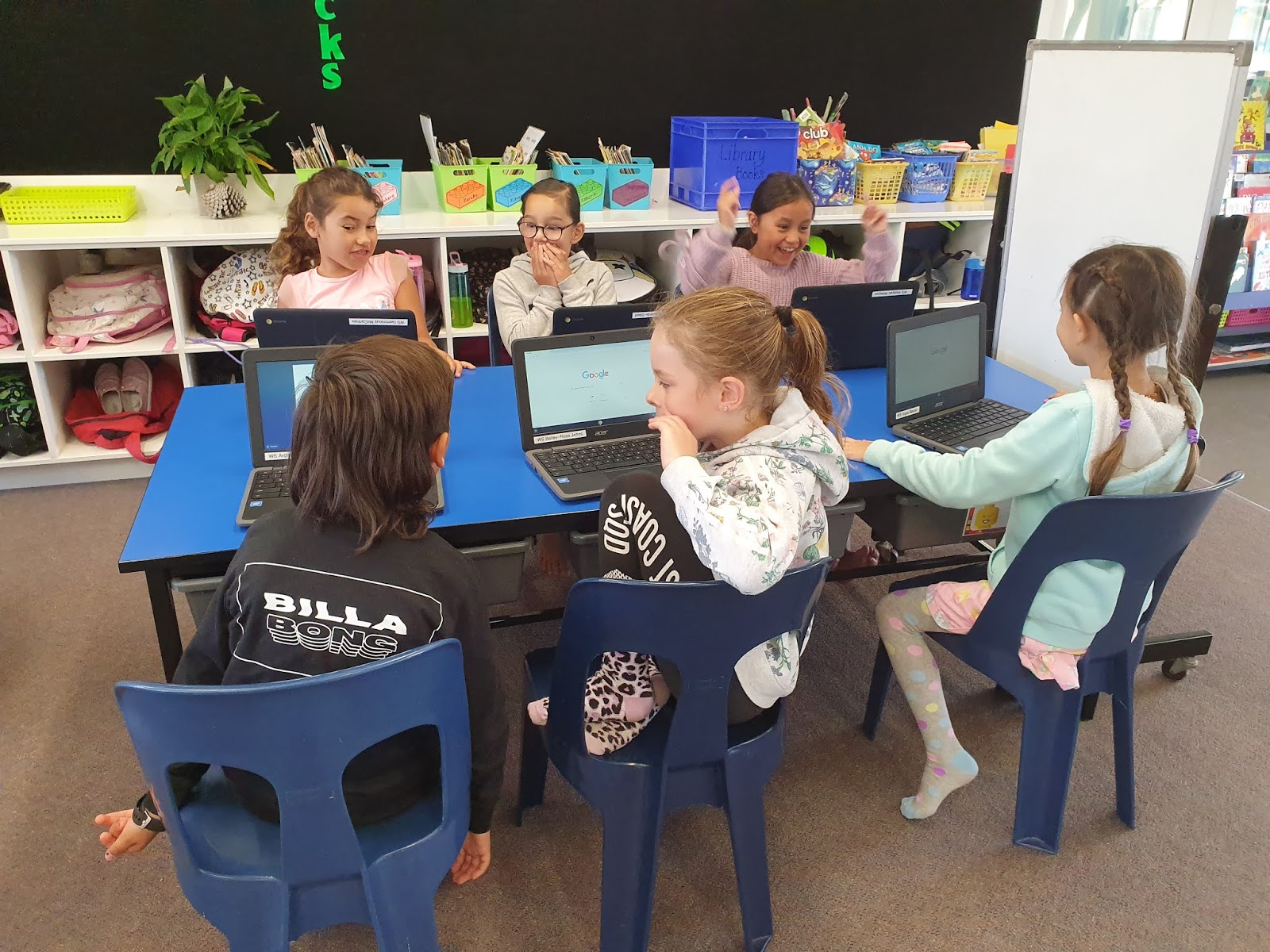
Here are some photos of this morning. We were very excited to have our own Chromebooks and to log in for the first time.


Here are some photos of this morning. We were very excited to have our own Chromebooks and to log in for the first time.



Subscribe to:
Posts (Atom)