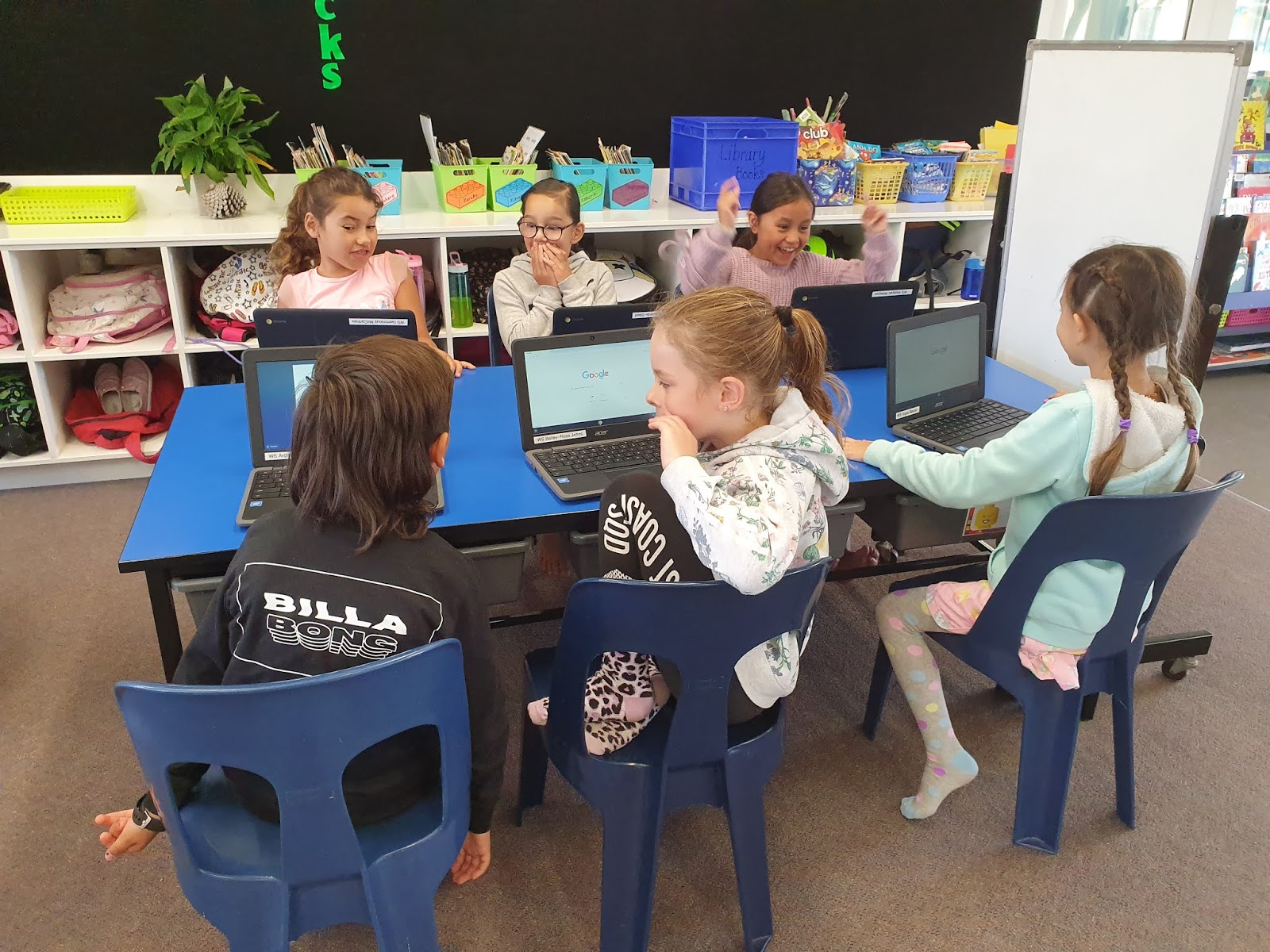
2020 has been a year like no other. I have been so proud of Team Rima and how far they have come especially with their online learning. We went from only just getting our chromebooks, to learning on line to finishing the year creating our own Lego movies. Everything is awesome when you are part of a team was certainly true in Team Rima this year. Tino pai Team! I'm soooo proud of you all. Wishing you all a very Merry Christmas and best wishes for 2021.
We were Year 3 and Year 4 students at Waitohu School in Ōtaki, New Zealand. Our teacher was Whaea Kirstin.
Tuesday, 15 December 2020
Monday, 9 November 2020
Team Work & Movie Making
We are all about team work in Team Rima and here we are in action. Friday's have become Movie Making Day. Vicki came in first of all to help us get started and now we are fine tuning our skills. As you can see we are working in pairs to create our movies and Whaea Kirstin was super proud of how well we were working together. We have been using Stop Motion Animation, it's lots of fun. You should give it a try. Check out own movies on our individual blogs and let us know what you think.
Monday, 24 August 2020
Bulding Blog Comments
We have been learning to write good comments on blogs.
We used a fridge to help us!
We had three parts to our comment. The first part was a greeting, then we said what we loved about the post and then we asked a question.
Do you know what you put at the end of a question?
Thursday, 20 August 2020
Music
It was great to see Fran today! Today we got a taste of music again. We are really looking forward to learning some new music skills with Fran for the rest of the year.
Friday, 14 August 2020
Thursday, 7 May 2020
Tips for Commenting on our blog
I've made a little video for you to show you how to include your name in the comments you leave on blogs.
Monday, 2 March 2020
All about us!
We are the awesome learners in Team Rima. In our class we think 'Everything is awesome when your part of a team!'
Monday, 24 February 2020
Monday, 17 February 2020
Using Google Drawings
We also learned how to find an image of our favourite animal. It was a little bit tricky changing the size of our images.
We can use backspace to delete things, or we can use CTRL Z to undo if we make a mistake.
And we learned how to use the x to close our tabs when we are finished.
![]() |
| Here we are working hard |
Monday, 10 February 2020
Our first day with our Chromebooks
Here are some photos of this morning. We were very excited to have our own Chromebooks and to log in for the first time.